Sketch to image
ProAn image generation visual that paints the way an artist does. Pencil strokes sketch the scene, a round brush blocks in flat colors region by region, grain and warm light refine it, and it resolves into the finished photo, with crossfading stage labels and a thin progress line.
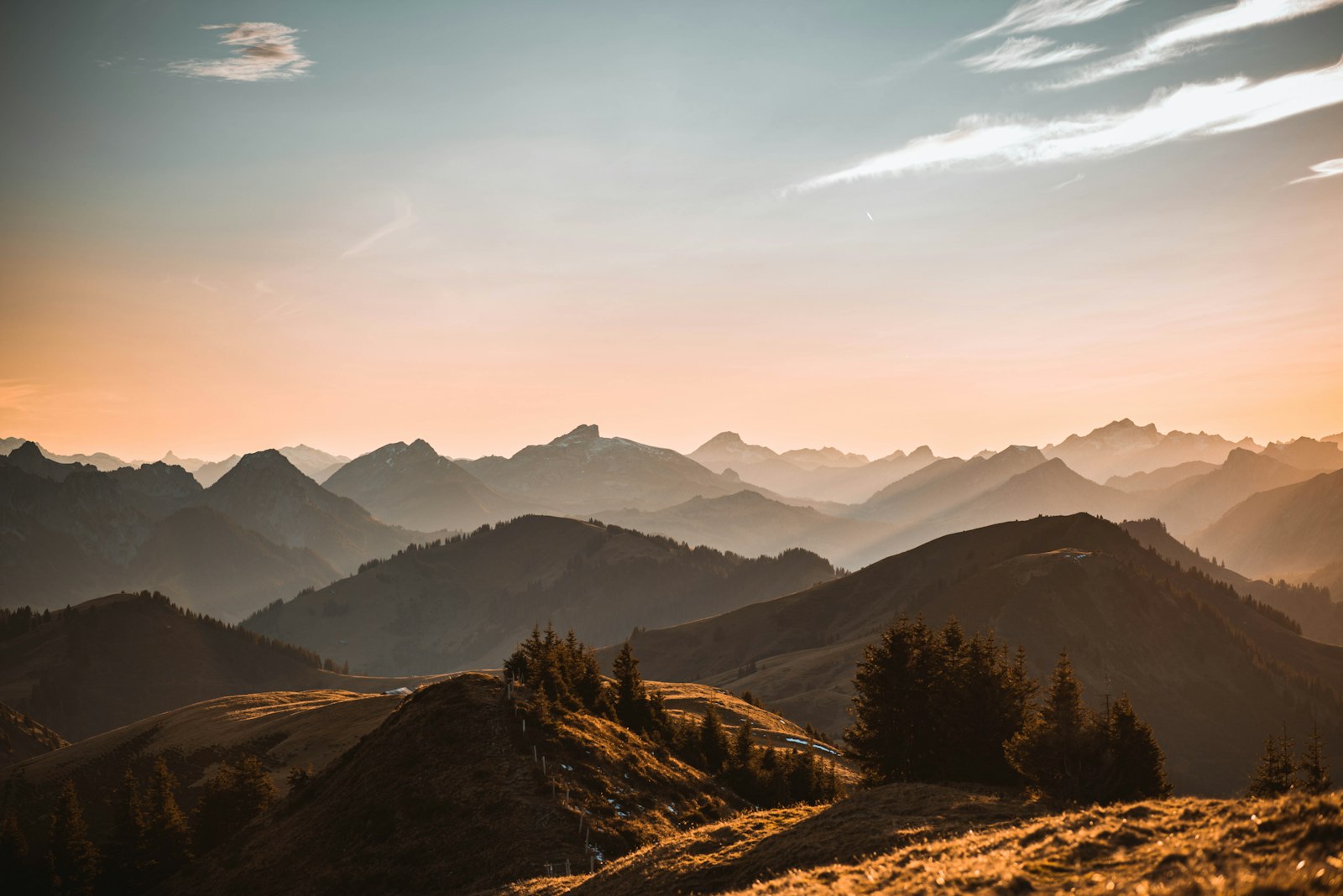
- An image generation feature needs a waiting state that shows the image taking shape rather than a spinner.
- A landing or onboarding section explains text to image or sketch to image generation.
- An empty canvas in an image tool while the first result renders.
- Text or code generation: use a streaming reply or text-shimmer.
- Long batch jobs with many images: use a progress list with thumbnails.
- When you have real intermediate frames from the model: show those frames instead of a simulated painting.
Installation
Pro source and install commands unlock with a Pro plan.
import { SketchToImage } from "@/components/arc/sketch-to-image/sketch-to-image";import type { SketchStatus } from "@/components/arc/sketch-to-image/sketch-to-image"; export function GenerationPreview({ status }: { status: SketchStatus }) { return ( <SketchToImage status={status} prompt="Layered alpine ridges at golden hour, warm haze" onComplete={() => console.log("revealed")} /> );}SketchToImage
An image generation visual that paints like an artist. Pencil lines sketch the scene stroke by stroke with a pen tip that lifts and travels between strokes, a round brush sweeps flat color blocks in region by region from back to front, soft detail passes, grain and warm light refine it, and it resolves into the finished photo. A stage label with an icon crossfades under the canvas beside the prompt, with a thin progress line, a percent and a Replay button. With no props it loops on its own; pass status to follow a real generation. Nothing is generated: it is a simulated preview over a bundled photo.
status"idle" | "sketching" | "blocking" | "refining" | "done"–The generation stage. Leave it out to play the full loop on its own. Each stage plays to its end and holds there with a shimmering label until the next one arrives; moving back (for example to idle for a new request) fades the canvas to blank paper first. Mounting with done shows the photo straight away.durationnumber9000Milliseconds for one full pass from blank canvas to photo. Sketching takes about 38%, blocking 24%, refining 26% and the final crossfade 12%.loopbooleantrueWhen uncontrolled, holds the photo for about two seconds, fades back to blank paper and paints again.size"sm" | "md" | "lg""md"Card width (340, 520 or 720px at most) and pencil weight, so lines stay crisp at every size. sm hides the Replay label and keeps the icon.tone"accent" | "neutral""accent"Color of the pencil lines, pen tip, stage icon and progress line. neutral uses --foreground.promptstring"Layered alpine ridges at golden hour, warm haze"The prompt under the stage label. It truncates to one line with the full text in a tooltip. Pass an empty string to hide it.sceneSketchScenealpineSceneWhat gets drawn and the photo it resolves into: { src, alt, lines, regions, light? } on a 600 × 400 canvas. lines are SVG path strings drawn in order; regions are { shapes, brush, tip? } painted back to front, where brush is the [x0, y0, x1, y1] rectangle the brush sweeps. Trace lines from your photo so the sketch matches it.showReplaybooleantrueShows the Replay button. Replay fades to blank paper and paints again up to the current status.onReplay() => void–Called when Replay is pressed, for example to rerun a real request.onStageChange(stage: SketchStatus) => void–Called when the visible stage changes, once per stage, never per frame.onComplete() => void–Called each time the photo is fully revealed.classNamestring–Class on the root figure.- Tab
- Moves to the Replay button.
- EnterorSpace
- On Replay, fades the canvas back to blank paper and paints again.
- The card is a figure; the canvas is one image whose label names the stage and the scene (for example "Sketching: Layered mountain ridges under a warm evening sky") and becomes the photo's alt text when done. All drawing layers are hidden from assistive technology.
- A polite status region speaks each stage when status is controlled and says the preview is simulated. While it loops on its own it states once that it is a looping simulated preview and stays quiet.
- The progress line is a progressbar with a 0 to 100 value; aria-busy is set while a stage is in progress.
- Stage is never color alone: each stage pairs an icon (pen, brush, sparkles, check) with a label.
- One requestAnimationFrame clock drives a single 0 to 1 timeline and writes straight to the DOM: stroke dash offsets, opacity and transforms only, with no React render per frame and no layout reads.
- Sketching draws each pencil stroke with an ease in out; the pen tip follows the stroke head and lifts (shrinks and dims) while it travels to the next stroke. Strokes get time by length, so long ridgelines and short trees feel equally paced.
- Blocking sweeps a wide round brush back and forth through a mask over each region, back to front, with a tip in the region's color. The pencil lines dim to a guide underneath.
- Refining fades in two pre-blurred passes of the photo, a static film grain and a soft warm light in the scene's light source. The blur is applied once; only opacity animates, so it stays on the compositor. Then the sharp photo crossfades in.
- The loop holds the photo, fades the whole canvas to blank paper over about 520ms while the progress line drains with it, resets while invisible and starts the next sketch, so there is no visible seam. Status changes always travel or fade, never cut.
- The stage label crossfades (out in 100ms, in 160ms with a 2px rise) and shimmers while a stage is in progress.
- Reduced motion jumps to the final image. Status changes and Replay become a short fade between end states with no drawing or travel.
- The clock stops when the card scrolls off screen and when nothing is moving.
- Fills its container up to the size's maximum width; the canvas keeps a 3:2 ratio and the SVG scales without losing crispness.
- The prompt truncates to one line and the percent keeps a fixed width, so nothing shifts as it counts. When the card is narrower than 400px the Replay button drops to its icon.
- Holds up at 360px with no horizontal scroll.
- About 20 SVG paths, three image layers sharing one download and one static noise filter. Only one brush mask is live at a time; finished regions drop their mask.
- No per-frame React renders: the label updates only on stage changes, the percent text only when the rounded value changes.
- Paused off screen with an IntersectionObserver and idle while holding a stage.
Notes for AI
Give your coding assistant the Markdown reference instead of screenshots.
- Use it where an image is being generated: on an image canvas, in a chat reply that returns an image, or in an empty state while the first result renders. Map your backend's progress to status (queued: idle or sketching, early steps: sketching, middle: blocking, late: refining, image ready: done).
- The bundled scene is traced from /media/photos/mountain-ridges.jpg. For your own result, pass a scene whose lines and regions roughly follow the image, or keep the default as an illustrative placeholder and show the real image after done.
- Keep one per view. For a small inline indicator in a composer use the sm size with showReplay off.
- Do not use it for real progress where exact percentages matter: the timeline is paced by duration, not by your backend.
The full library index for assistants is at /llms.txt.