Gravity wellPro
A grid of tiles that bends toward the cursor like spacetime, with a click that sends a shockwave through it.
Live · keyboard ready

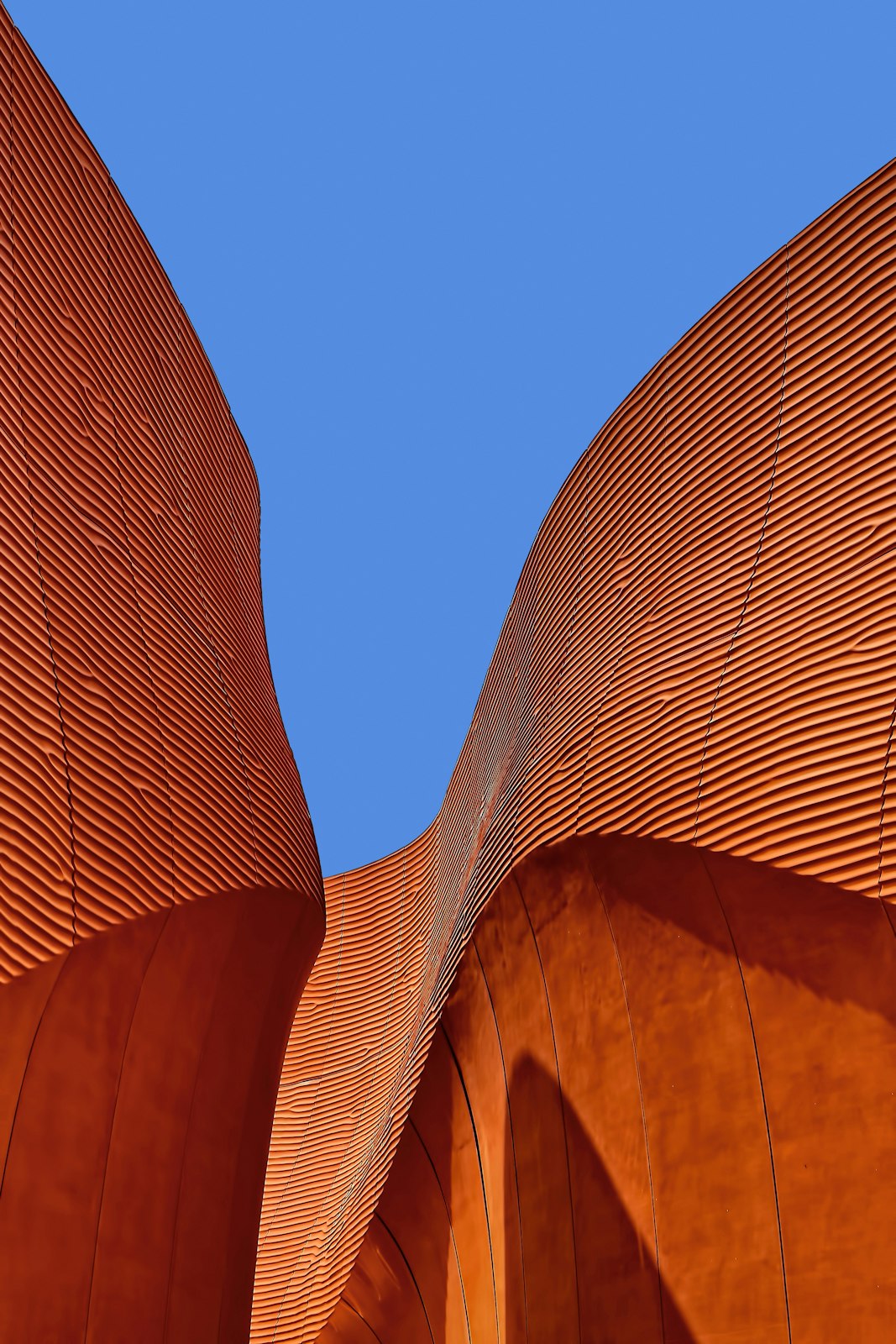

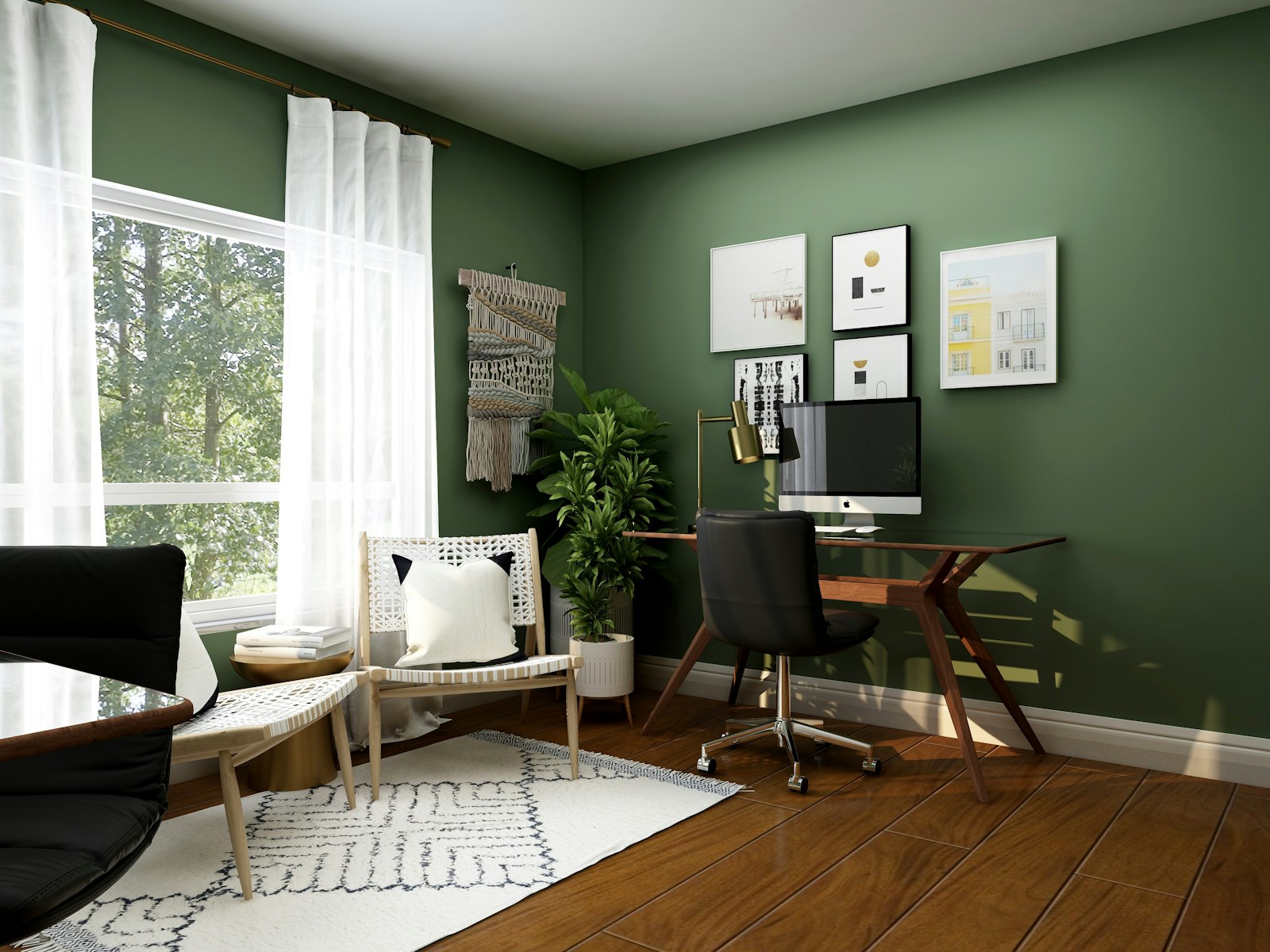
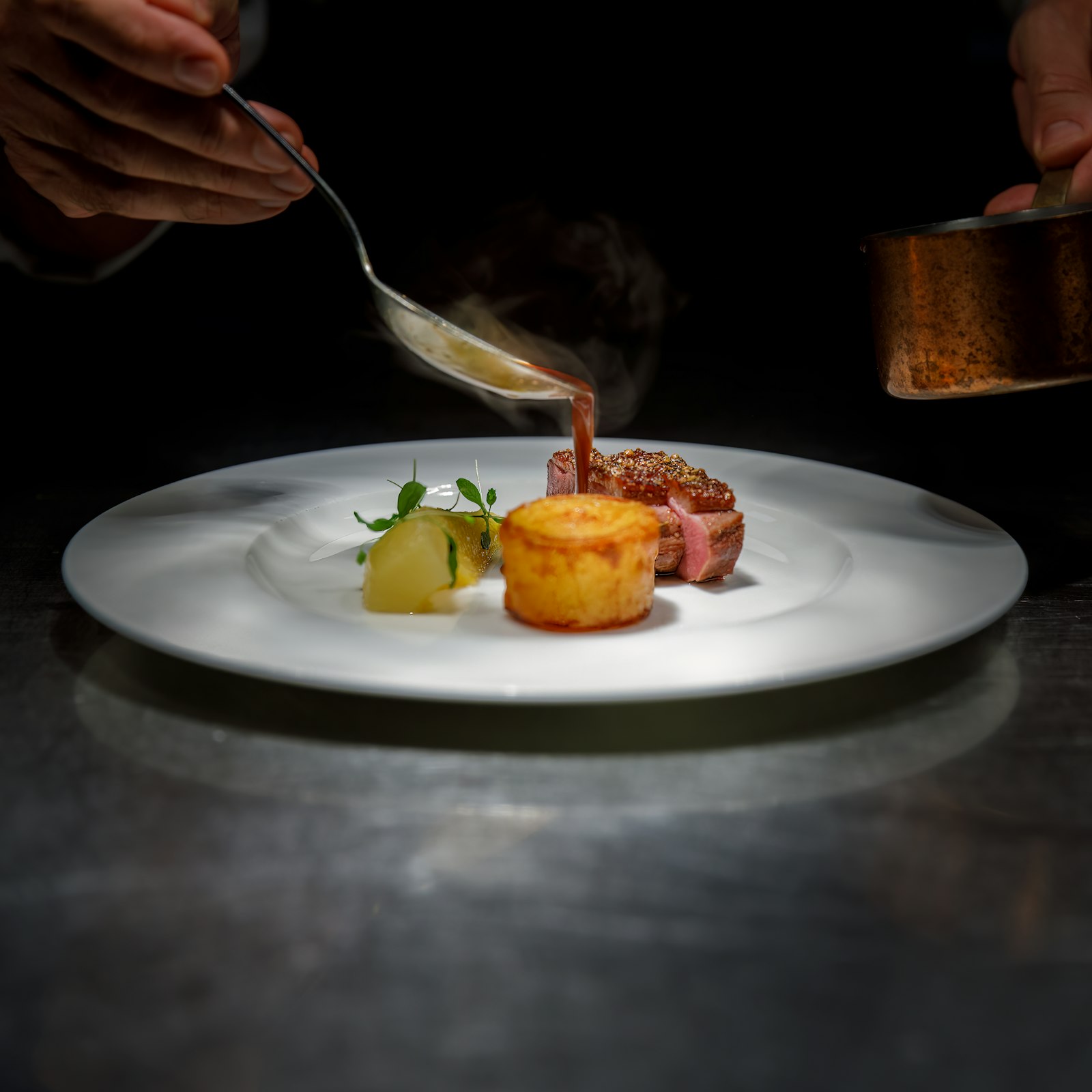
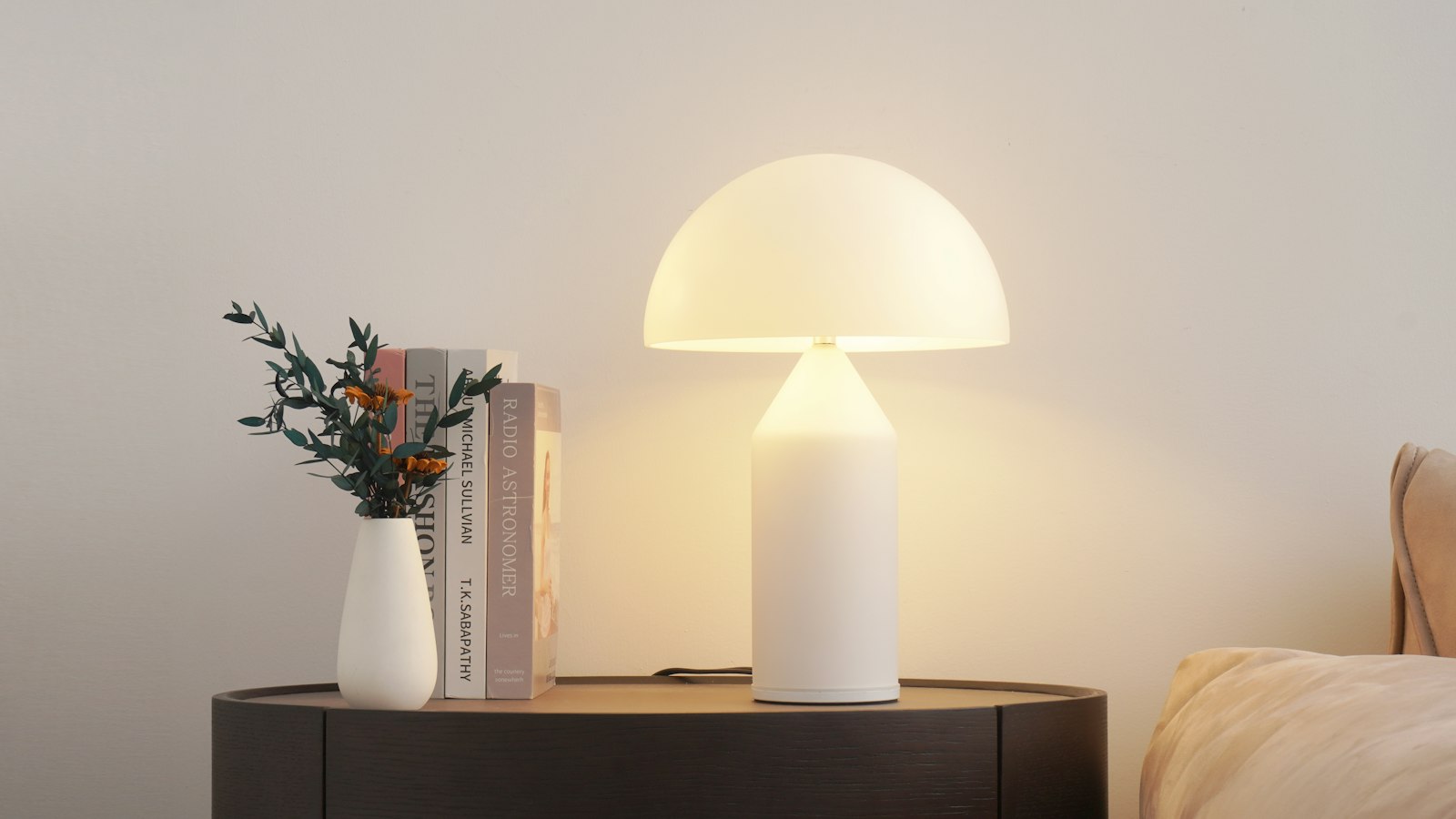












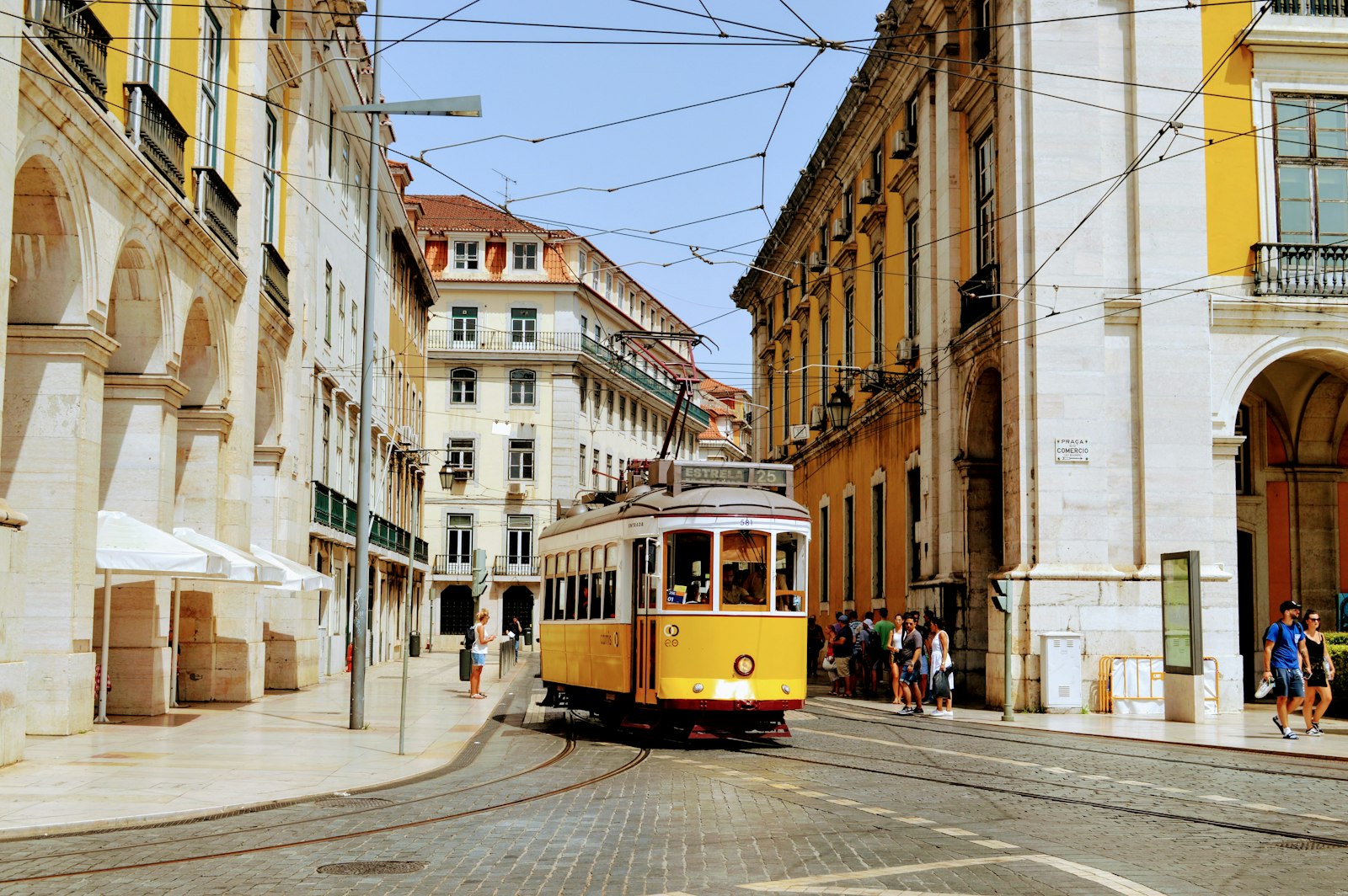

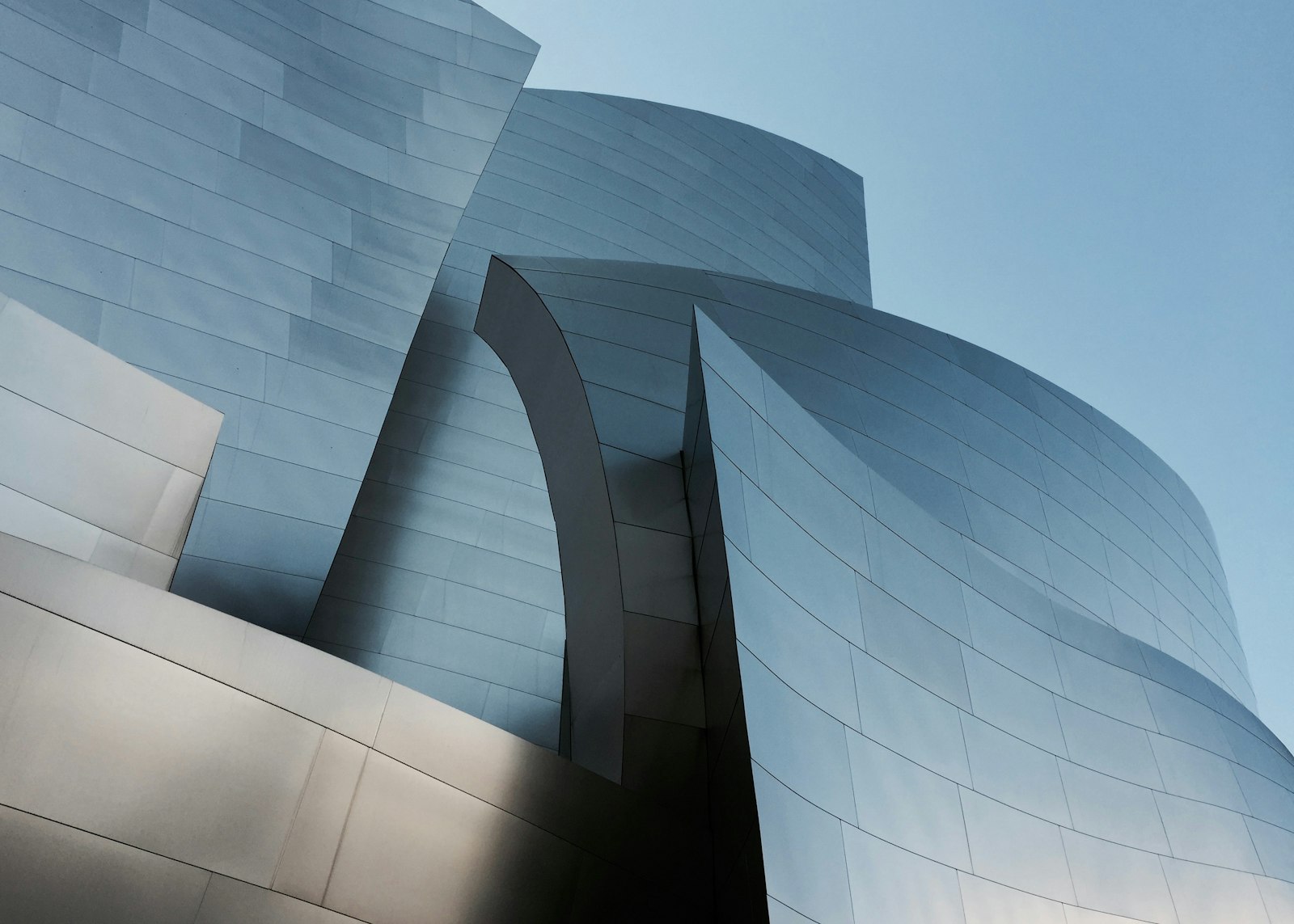

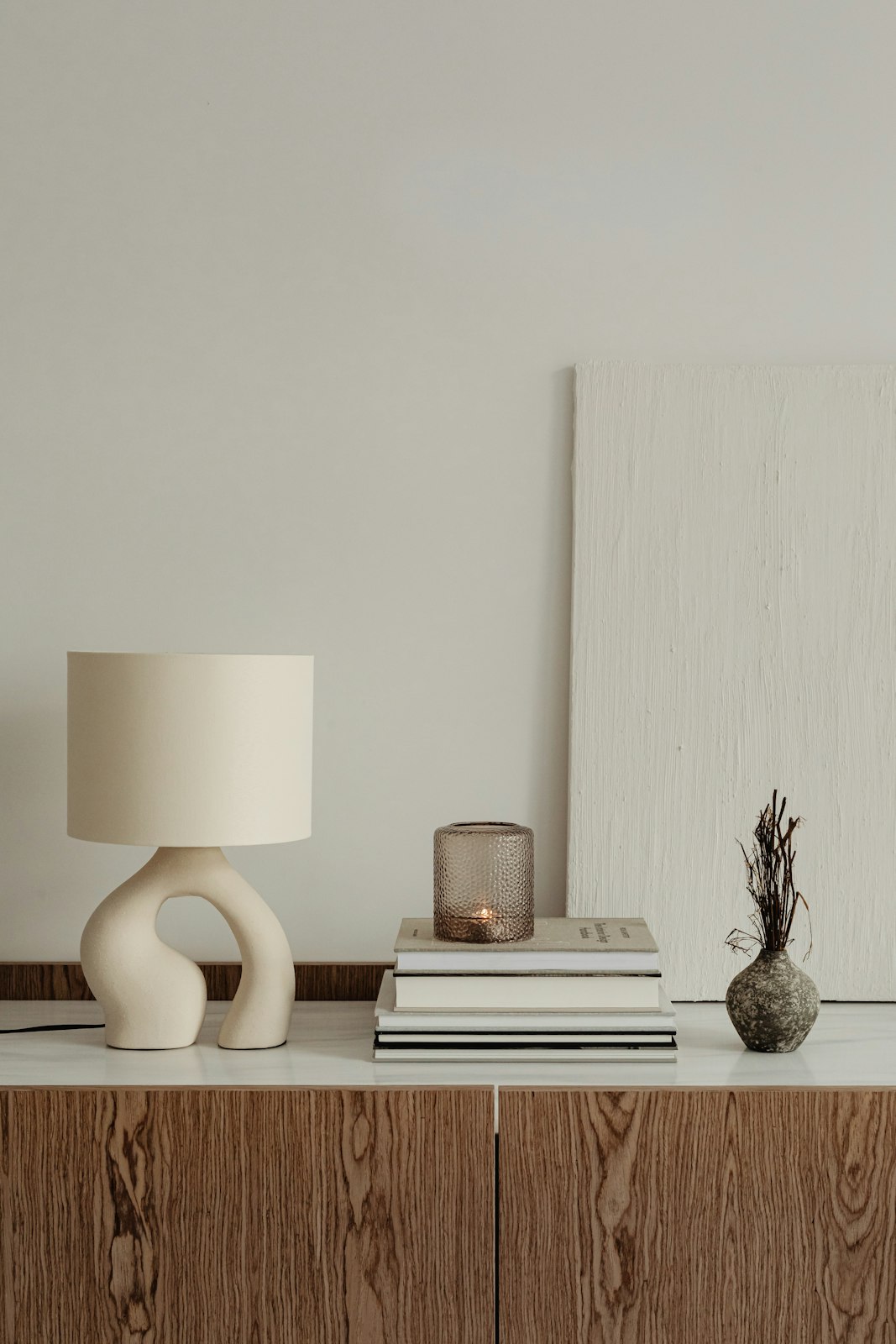


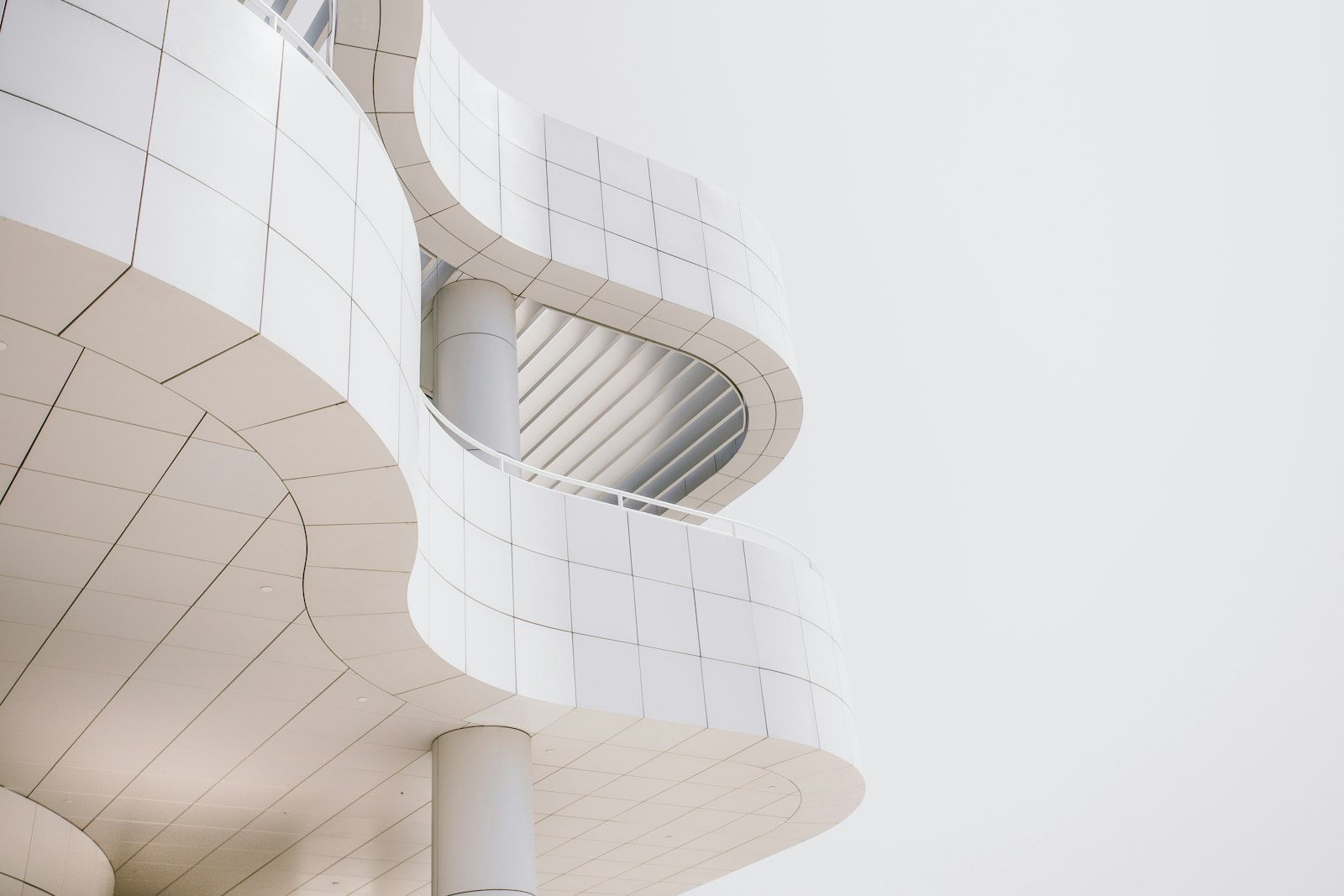




- A team, customer, or moodboard wall where playfulness is the point.
- Landing page sections that show breadth: many logos, avatars, or photos at once.
- Grids people must scan or click precisely, like file pickers; use a plain grid.
- Large collections; use infinite-moodboard or photo-grid.
Installation
Pro source and install commands unlock with a Pro plan.
example.tsx
import { GravityWell } from "@/components/arc/gravity-well/gravity-well"; export function Team({ people }: { people: { name: string; src: string }[] }) { return ( <GravityWell label="Team"> {people.map(person => <img key={person.src} src={person.src} alt={person.name} />)} </GravityWell> );}GravityWell
A grid of tiles that bends toward the pointer like spacetime around a mass. Tiles near the well lean in, shrink, and dim on their own springs; a click sends a shockwave rolling outward through the grid.
PropTypeDefaultDescription
childrenRequiredReactNode–One tile per child. Photos, avatars, icons, or any small content.columnsnumber–Fixed column count. Leave it out to fit as many columns as minTileSize allows.minTileSizenumber56Smallest tile width in px when columns is not set.gapnumber8Gap between tiles in px.radiusnumber150Reach of the well in px.strengthnumber1Pull strength from 0 to about 1.5.onPulse(origin: { x: number; y: number }) => void–Called when a click or key sends a shockwave, with its origin in px from the top left of the grid.labelstring"Gravity well"Accessible name for the grid.classNamestring–Extra class on the root.styleCSSProperties–Inline styles on the root.- Tab
- Focuses the grid and places the well on the current tile.
- Arrow keys
- Moves the well from tile to tile.
- HomeorEnd
- Moves the well to the first or last tile.
- SpaceorEnter
- Sends a shockwave from the current tile.
- The root is a named group with aria-roledescription="gravity well". Tile content keeps its own semantics and alt text.
- Motion is decorative: tiles keep their grid slot and only move with transform, so reading order never changes.
- No focus ring is drawn (product decision); the well itself shows where keyboard focus is.
- The well follows the pointer on a critically damped spring, and each tile follows the field on an underdamped spring, so fast moves leave a jelly wake.
- Tiles deeper in the well shrink, dim, and slide under their neighbours.
- A click drops a shockwave that travels at 900 px/s and rings each tile once as it passes.
- Reduced motion leaves the grid static.
- Columns fit the width with minTileSize, or stay fixed with columns.
- Touch: a tap sends a shockwave and dragging pulls the well; vertical scroll keeps working.
- One transform, opacity, and z-index write per tile per frame, with no layout reads during animation.
- The loop stops once every spring is at rest.
Notes for AI
Give your coding assistant the Markdown reference instead of screenshots.
- Use a uniform set of square tiles, around 30 to 60. Content is wrapped in square cells; set object-fit: cover on images.
- Tie onPulse to something meaningful, like shuffling or selecting, or leave it as pure delight.
The full library index for assistants is at /llms.txt.